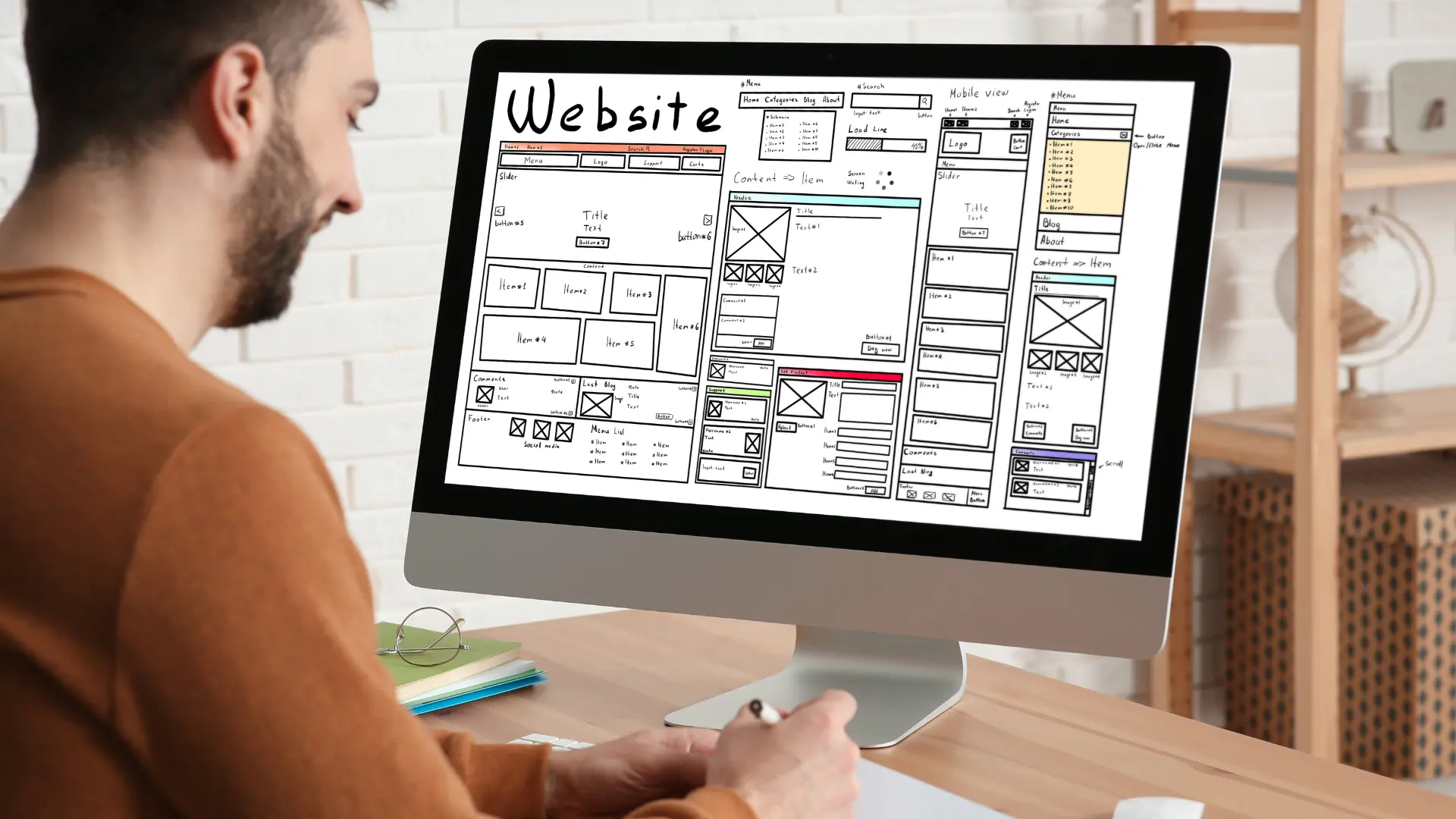
Starting a website may sound difficult, but today it is easier than ever. You do not need coding skills or technical knowledge. In this guide, you will learn how to create a WordPress website step by step using simple tools that beginners can understand.
Whether you want to start:
- A blog
- A business website
- An online store
- A portfolio
- An affiliate website
This step-by-step guide will help you launch your website quickly and safely.
By the end of this article, your website can be live on the internet.
Table of Contents
- What is WordPress
- Why Choose WordPress
- What You Need Before Starting
- Step-by-Step Guide to Create a WordPress Website
- How Much Does a WordPress Website Cost
- Common Mistakes to Avoid
- Expert Tips for Beginners
- FAQs
- Conclusion
What is WordPress
WordPress is the most popular website platform in the world.
More than 40% of websites on the internet use WordPress because it is:
- Easy to use
- Beginner friendly
- Flexible
- SEO friendly
- Affordable
You can create almost any type of website using WordPress.
Examples:
- Blogs
- Business websites
- Online stores
- News websites
- Portfolio websites
And the best part — you do not need coding.
Why Choose WordPress
Here are the main reasons beginners choose WordPress.
1. Easy to Use
You can manage your website without technical knowledge.
2. SEO Friendly
WordPress helps your website rank on Google faster.
3. Thousands of Themes
You can change your website design in one click.
4. Plugins Add Features
You can add:
- Contact forms
- SEO tools
- Security
- Speed optimization
- Online store features
5. Low Cost
You can start a website for a very small budget.
What You Need Before Starting
Before creating a WordPress website, you need three things.
1. Domain Name
This is your website address.
Example:
yourwebsite.com
Tips for choosing a domain:
- Keep it short
- Use simple words
- Avoid numbers
- Choose .com if possible
2. Web Hosting
Hosting stores your website files and makes your website live on the internet.
Without hosting, your website cannot run.
3. WordPress Installation
This is the software that powers your website.
Most hosting companies install WordPress automatically.
Step-by-Step Guide to Create a WordPress Website
Now let’s create your website step by step.
Follow these steps carefully.
Step 1 — Choose a Domain Name
Your domain name should match your website topic.
Examples:
travelguide.com
fitnessblog.com
onlinestore.com
Good domain name rules:
- Easy to spell
- Easy to remember
- Short and clear
- Related to your niche
Step 2 — Buy Web Hosting
Choose a reliable hosting provider.
Good hosting gives:
- Fast website speed
- High security
- Good uptime
- Customer support
Important features to check:
- Free SSL
- Daily backup
- One-click WordPress install
- 24/7 support
Step 3 — Install WordPress
Most hosting companies provide 1-click WordPress installation.
Steps:
Login to hosting account
Open cPanel
Click WordPress installer
Enter website details
Click Install
Your website will be ready in 2–3 minutes.
Step 4 — Choose a WordPress Theme
A theme controls your website design.
You can change it anytime.
To install a theme:
Go to:
Dashboard
Appearance
Themes
Add New
Then:
Search theme
Click Install
Click Activate
Best Free Themes for Beginners
Here are beginner-friendly themes.
- Astra
- GeneratePress
- OceanWP
- Neve
- Kadence
These themes are:
- Fast
- SEO friendly
- Mobile friendly
- Easy to customize
Step 5 — Install Important Plugins
Plugins add features to your website.
You should install essential plugins first.
Go to:
Dashboard
Plugins
Add New
Must-Have Plugins for Beginners
Here are the most useful plugins.
SEO Plugin
Helps your website rank on Google.
Examples:
- Rank Math
- Yoast SEO
Security Plugin
Protects your website from hackers.
Examples:
- Wordfence
- Sucuri
Backup Plugin
Creates website backups.
Examples:
- UpdraftPlus
- BackupBuddy
Speed Plugin
Makes your website load faster.
Examples:
- WP Rocket
- LiteSpeed Cache
Step 6 — Create Important Pages
Every website should have these pages.
Home Page
Main page of your website.
About Page
Information about you or your business.
Contact Page
Allows visitors to contact you.
Privacy Policy
Required for Google AdSense and SEO.
Step 7 — Customize Website Settings
Now adjust basic settings.
Go to:
Settings
General
Change:
Site title
Tagline
Timezone
Email
Step 8 — Publish Your First Post
Now your website is ready.
To create a post:
Go to:
Posts
Add New
Then:
Write title
Write content
Click Publish
Your website is now live.
How Much Does a WordPress Website Cost
Here is the basic cost breakdown.
Domain:
₹800 – ₹1,200 per year
Hosting:
₹2,500 – ₹5,000 per year
Theme:
Free or ₹3,000 – ₹5,000 one time
Plugins:
Mostly free
Total Beginner Cost
₹3,500 to ₹6,000 per year
Very affordable for starting a website.
Common Mistakes to Avoid
Avoid these beginner mistakes.
Choosing Cheap Hosting
Cheap hosting can make your website slow.
Installing Too Many Plugins
Too many plugins can slow down your website.
Not Taking Backup
Always keep website backups.
Ignoring Security
Install a security plugin immediately.
Expert Tips for Beginners
Follow these tips to grow your website faster.
Choose Fast Hosting
Speed improves SEO ranking.
Use Simple Design
Clean design improves user experience.
Focus on Quality Content
Content is the most important ranking factor.
Install SEO Plugin
Helps your website rank on Google.
Keep Website Updated
Always update:
WordPress
Themes
Plugins
FAQs — How to Create a WordPress Website Step by Step
Can I create a WordPress website for free?
Yes, but free websites have limitations. Paid hosting gives full control and better performance.
How long does it take to create a WordPress website?
Usually:
30 minutes to 2 hours.
Do I need coding to create a WordPress website?
No.
WordPress is beginner friendly and requires no coding skills.
Is WordPress good for beginners?
Yes.
WordPress is the best platform for beginners.
Can I make money from a WordPress website?
Yes, you can earn money using:
- Ads
- Affiliate marketing
- Selling products
- Online services
choose the best hosting for WordPress beginners before starting your website
Conclusion
Now you know exactly how to create a WordPress website step by step in a simple and beginner-friendly way. You do not need coding skills or technical knowledge to start your website today.
Just follow the steps in this guide, choose reliable hosting, install WordPress, and publish your first post.
Your website can be live within one hour.